
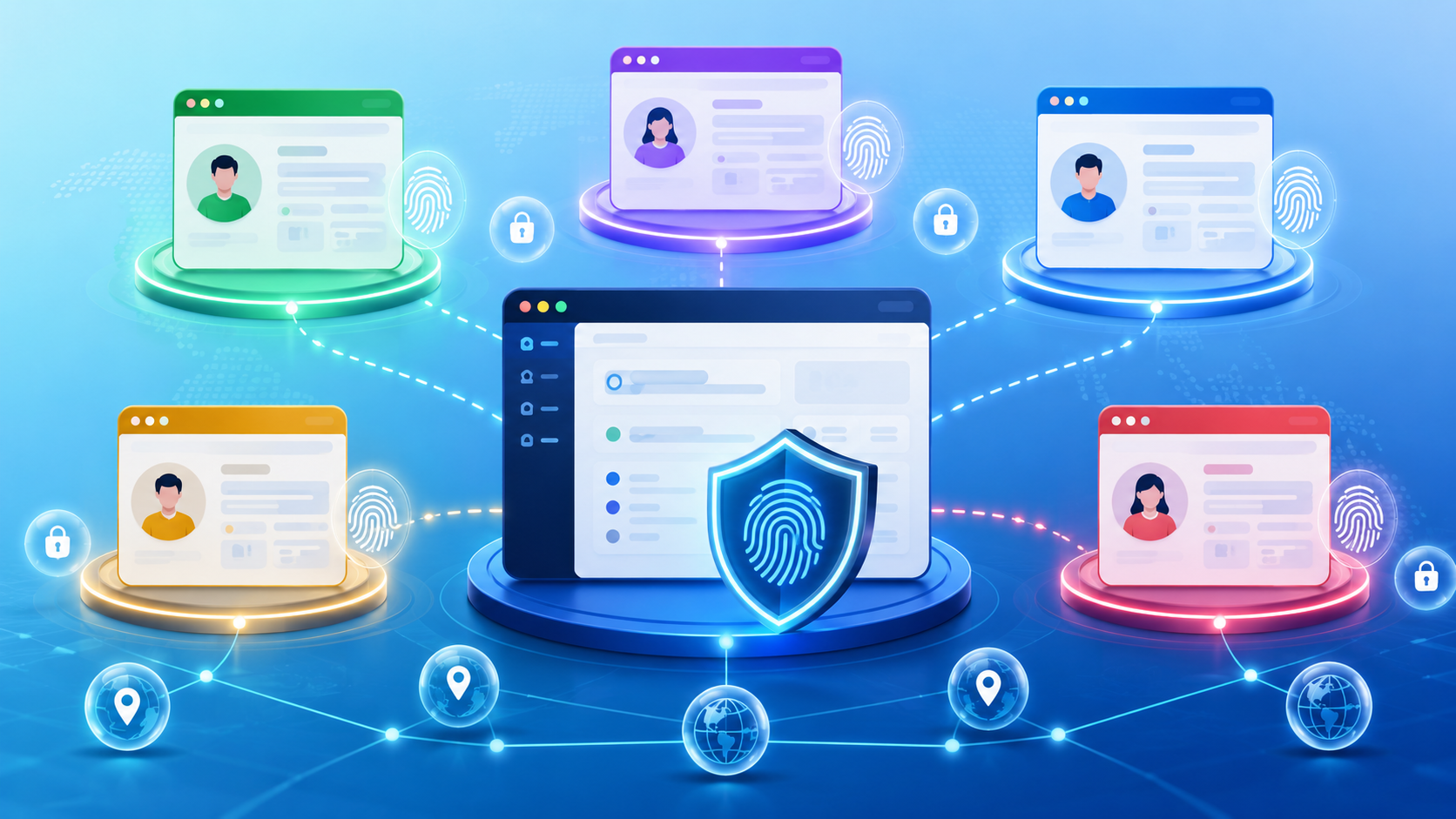
In today’s hyper-connected digital landscape, maintaining privacy and security has become an increasingly complex challenge for internet users worldwide. Every time you connect to a network, visit a website, or interact with online platforms, your browser passively transmits a staggering amount of telemetry data to remote servers. This dataset includes your hardware specifications, operating system build, installed system fonts, display resolution, GPU settings, audio context configurations, and active browser extensions.
Web tracking scripts collect and synthesize these granular data points into a distinct, highly resilient digital signature known as a browser fingerprint.Unlike traditional tracking mechanisms like HTTP cookies, which can be effortlessly cleared through browser settings, browser fingerprinting operates invisibly in the background without needing your explicit permission or storing local cache files. Modern tracking algorithms can identify returning users with over ninety-nine percent accuracy across completely different sessions and IP networks.
Consequently, standard web browsers offer negligible protection against this sophisticated cross-site tracking. As corporate data aggregation expands, anti-fingerprint browsers have emerged as essential privacy tools, providing robust identity isolation and technical defense for individuals, privacy advocates, digital marketers, and enterprise security teams aiming to safeguard their online operations.
Understanding the Mechanics of Browser Fingerprinting
Browser fingerprinting is a dynamic technique used by analytical engines and cyber security systems to establish a persistent digital identity. Web applications run harmless background scripts that query your device’s exact hardware components and software setup. For instance, Canvas fingerprinting forces your browser to render hidden graphics, capturing microscopic variations in how your graphics card processes pixels.
AudioContext fingerprinting measures how your sound card processes acoustic signals. WebGL metrics analyze 3D rendering capabilities. When you explore multi-account management solutions like Octo Browser to safeguard your footprint, you realize how critical dynamic spoofing is for operational safety.
These intricate attributes are combined using cryptographic hashing algorithms to create an almost mathematically unique hardware profile. Because this signature resides on remote tracking servers rather than your local hard drive, standard privacy practices—such as launching private browsing windows, periodically clearing browser histories, or toggling basic ad blockers are completely ineffective against advanced device fingerprinting methods.
Core Components and Functions of Anti-Detect Technology
An anti-fingerprint browser works by actively managing, spoofing, or neutralizing the hardware and software signals your browser broadcasts to external web servers. Rather than simply blocking tracking scripts, which can break site layouts or trigger immediate security alerts, anti-detect platforms generate realistic, fully functional browser profiles. Each profile features customized parameter combinations, including realistic User-Agent strings, matching system fonts, precise screen resolutions, custom WebGL renderers, and localized timezone parameters.
Advanced engines go even further by altering low-level hardware APIs, such as Navigator properties, battery status APIs, media device lists, and WebRTC configurations, ensuring complete parameter consistency. By masking these system attributes, anti-detect software makes your connection look like a standard, unflagged user browsing from a clean machine. This intelligent spoofing capability enables users to maintain multiple isolated online profiles without exposing their true device identities or triggering security protocols.
How Anti-Fingerprint Browsers Differ from Traditional Privacy Tools
Many online users mistake anti-detect software for conventional privacy solutions like virtual private networks (VPNs), proxy servers, or standard private browsing windows. A VPN or proxy effectively encrypts network data traffic and masks your public IP address, but it leaves your underlying hardware configuration, screen parameters, and browser settings entirely visible to tracking scripts.
Conversely, launching an incognito tab simply prevents your local device from saving browsing histories, session cookies, and form entries; it does not stop remote servers from calculating your unique browser fingerprint.
Anti-fingerprint software solves this gap by combining identity management with proxy integration. While a proxy changes your virtual location, the anti-detect engine replaces your actual hardware fingerprint with a spoofed profile. This dual-layer approach provides complete isolation, making it impossible for tracking networks to link distinct browsing sessions to a single physical device.
Primary Use Cases and Professional Applications
Anti-detect browsers are vital tools across a wide range of digital industries that demand strict identity separation and operational privacy. In digital marketing and affiliate advertising, professionals rely on these tools to manage multiple client accounts across platforms like Facebook, Google, and TikTok without triggering anti-fraud bans. E-commerce entrepreneurs running stores on Amazon, eBay, or Etsy use multi-profile browsers to operate distinct storefronts safely. Web scrapers and data analysts utilize anti-fingerprint systems to collect public web intelligence without hitting IP bans or automated CAPTCHA roadblocks.
Furthermore, cybersecurity professionals and investigative journalists leverage this software to conduct online research, investigate threat actors, and verify ad compliance anonymously. By isolating cache files, local storage, cookies, and hardware signatures within independent virtual profiles, teams can streamline complex online workflows while mitigating account suspension risks.
Essential Features to Look for in a Quality Anti-Detect Platform
Selecting the right anti-fingerprint browser requires evaluating several critical technical features designed for scalability, security, and usability. First and foremost, the browser engine must be built on a regularly updated codebase—such as modified Chromium—to mirror modern browsing environments and avoid detection by security algorithms.
The platform should offer comprehensive fingerprinted parameter customization, including WebGL, Canvas, AudioContext, Client Hints, CPU cores, RAM allocations, and WebRTC management. Robust proxy management features, such as built-in proxy rotators and auto-checkers, are also essential for smooth operations.
Furthermore, look for team collaboration capabilities, including customizable profile permissions, role management, and encrypted cloud sync features. Finally, an intuitive user interface paired with automated API support allows power users to automate repetitive tasks and manage hundreds of distinct profiles efficiently.
Best Practices for Maintaining Maximum Operational Security
Using an anti-detect browser is a major step forward for online privacy, but maintaining total operational security requires adhering to established digital hygiene practices. Always pair every virtual browser profile with a dedicated, high-quality proxy—preferably residential or mobile proxies—to match your profile’s geo-location parameters seamlessly. Never reuse proxy IP addresses across different browser profiles, as IP overlaps can expose linked accounts.
Ensure that your profile’s language settings, system timezones, and geolocation coordinates closely align with your assigned proxy location. Additionally, avoid logging into linked personal accounts or using identical payment details across different isolated profiles. Periodically audit your virtual setup using browser fingerprint testing tools to verify that parameters remain consistent. By pairing reliable anti-fingerprint tools with disciplined browsing habits, you can establish an impenetrable shield for your digital identity.
Frequently Asked Questions (FAQs)
Is using an anti-fingerprint browser legal?
Yes, using an anti-fingerprint browser is completely legal in most jurisdictions worldwide. These platforms are legitimate privacy tools engineered to protect personal data, safeguard operational security, and assist digital marketing professionals. However, legality depends on your actions; using privacy software to engage in fraudulent activities, illegal hacking, or violating platform terms remains unlawful.
Does an anti-fingerprint browser replace the need for a VPN or Proxy?
No, anti-fingerprint browsers and proxies/VPNs serve complementary roles in identity protection. An anti-detect browser spoofs your hardware configurations, browser attributes, and internal APIs, whereas a proxy or VPN masks your network IP address and encrypts connection data. To achieve complete online anonymity and isolate profiles effectively, you should use an anti-fingerprint browser together with high-quality dedicated proxies.
Can websites still detect that I am using an anti-detect browser?
While no security system is 100% foolproof, top-tier anti-fingerprint browsers are built on modified Chromium cores that pass complex detection checks. They generate consistent parameter configurations that match real device footprints. As long as you use reliable proxy IPs and avoid contradictory profile configurations (such as mismatching timezones or languages), advanced security algorithms cannot easily distinguish your profile from a standard user.
What is the difference between blocking fingerprints and spoofing fingerprints?
Blocking fingerprints involves disabling APIs or restricting tracking scripts (e.g., blocking Canvas or WebGL access). This often alerts websites because standard devices rarely block these core APIs, leading to broken sites or automatic security bans. Spoofing fingerprints, on the other hand, provides websites with realistic but altered hardware data, allowing you to blend in seamlessly with regular traffic.
How many profiles can I run simultaneously on a single machine?
The number of concurrent profiles you can run depends on your host computer’s hardware resources (such as RAM and CPU capacity) and your software plan. Because each browser profile operates as an isolated instance with its own cache and memory footprint, managing dozens of active tabs requires sufficient system memory. Modern anti-detect software allows you to store thousands of inactive profiles in the cloud and launch specific instances as needed.
Conclusion
As digital tracking capabilities advance, relying on basic privacy tools is no longer enough to protect sensitive operational data or manage complex online setups. Browser fingerprinting has transformed digital privacy, making stealth hardware data collection the standard across the web. Anti-fingerprint browsers offer an essential solution, giving users complete control over their digital identities through advanced parameter spoofing and profile isolation.
Whether you are an enterprise team managing multiple digital assets, a marketer scaling client campaigns, or a privacy-conscious individual protecting your personal footprint, adopting anti-detect technology is a proactive step toward online security. By integrating robust anti-fingerprint software into your daily workflows, you can navigate the modern web freely, securely, and completely unlinked from invasive tracking networks.